otherfeature📖 2 min read
StillsLab Features You Might Not Know About
StillsLab is designed not just for inspiration but also for frame analysis, collection organization, and collaborative work. Make the most of all site features to efficiently discover, analyze, and discuss your favorite movie frames.

adminPublished on December 3, 2025
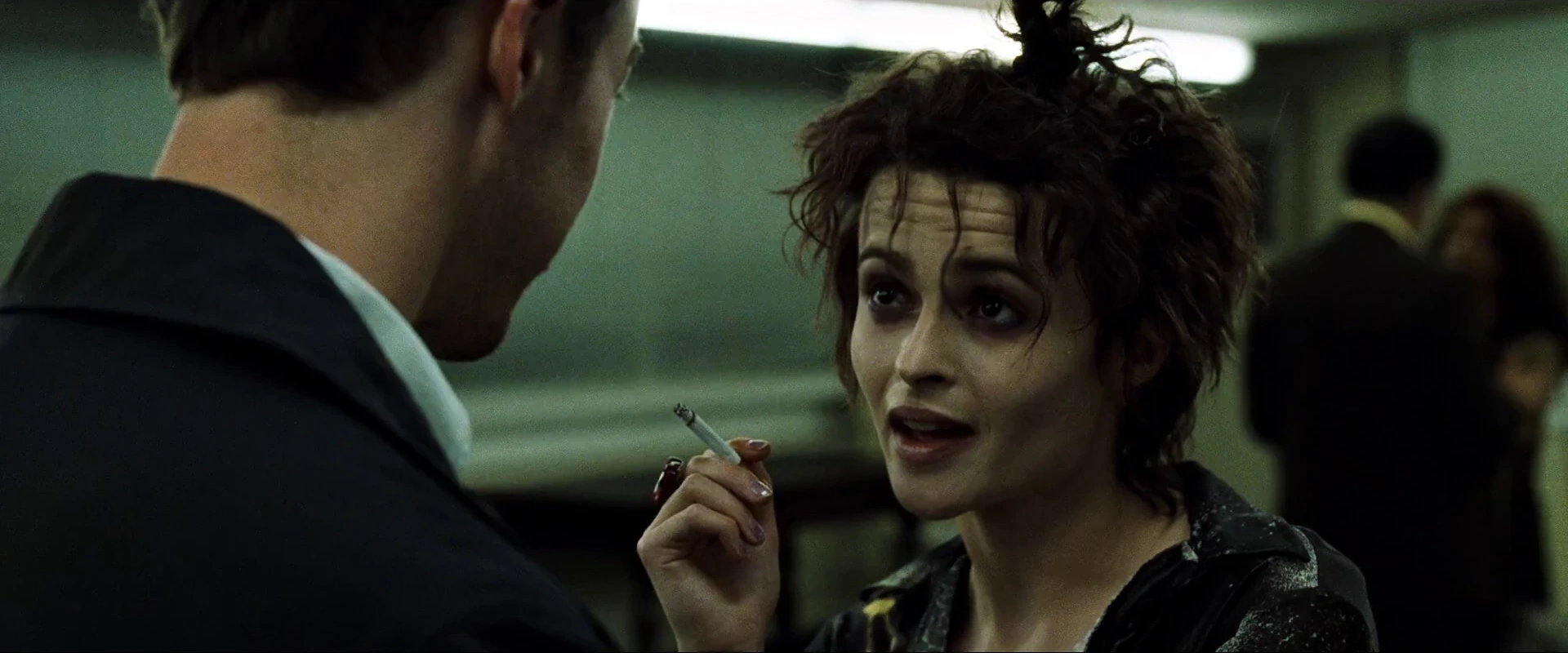
We’re constantly working to make StillsLab not only a place to explore stunning movie stills but also a powerful tool for analyzing and organizing them. Some of our features might have gone unnoticed — here’s a guide to what’s available and how to use them.
1. Similar Images Search
Our similarity algorithm analyzes:
- Tags, frame size, shot type, lighting, composition
- Color, color palette, time of day, interior/exterior
- Actors, director, cinematographer, ethnicity, aspect ratio, year proximity
The system calculates similarity scores, and the 8 most relevant images are displayed in the results. A percentage showing how similar each image is to the one currently viewed appears at the image.
2. Frame Analysis Tool
In the top-left corner of each image, there’s a small grid button. Clicking it allows you to overlay different composition grids:
- Rule of thirds
- Golden ratio (spiral) — can be mirrored vertically (Ctrl+G) and horizontally (Shift+G)
- Central composition
- Diagonal Composition Guidelines
This helps evaluate object placement in a frame and improves your understanding of cinematographic composition.
3. Personal and Collaborative Collections (Lab & CoLabs)
Personal Collections (Lab)
Users can create private collections of images and choose to share them with friends or colleagues. Public collections are visible on the Discover page or on a user’s profile.
Collaborative Collections (CoLabs)
- Invite users by username or email (invitation valid for 30 days)
- All participants can add images and discuss them using Notes below the frames
- Collection owners can view activity logs, limit participant permissions, or remove them
Only the owner can delete images or comments, though in the future editors may be granted these rights.
Images can also be added to collections via the plus icon in the top-right corner of each image.
4. Profile Security
StillsLab cares about your account safety:
- Profile history shows devices and login times; you can end sessions with a button
- Two-factor authentication adds extra security (make sure to save recovery codes)
Summary
StillsLab is designed not just for inspiration but also for frame analysis, collection organization, and collaborative work. Make the most of all site features to efficiently discover, analyze, and discuss your favorite movie frames.
How did you like this article?
Login to react to this article
Discussion (0)
💬 No comments yet. Be the first to share your thoughts!